Safari · iPhone, iPad, Mac
Put Pagework on your Home Screen
Pagework opens like any other app.
iPhone · Safari
iPhone
Share is inside the ⋯ menu.
Watch
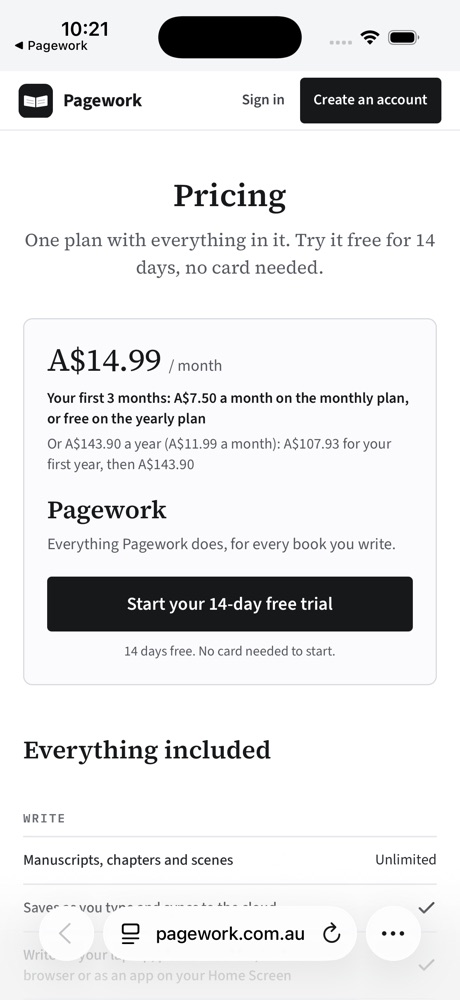
Step 1 of 7Tap ⋯
Steps
- Open pagework.com.au in Safari
- Tap ⋯, then ShareBottom right.
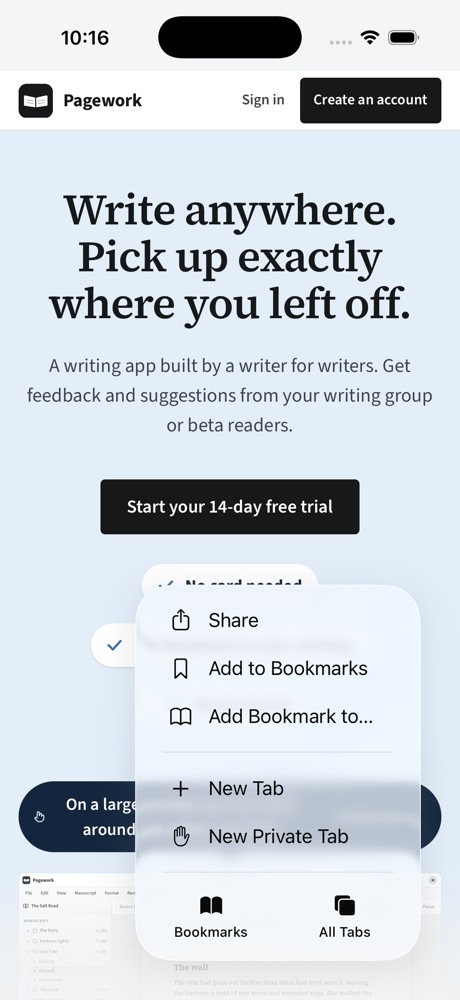
- Tap View More, then Add to Home Screen
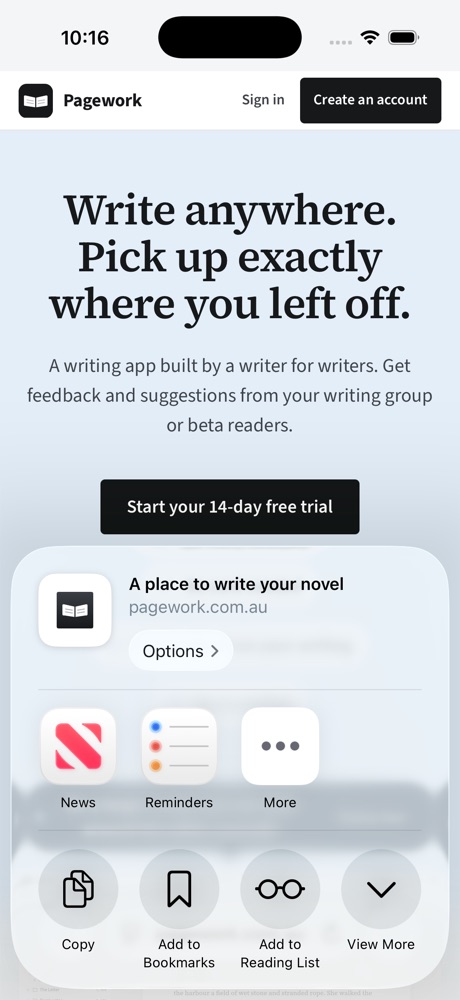
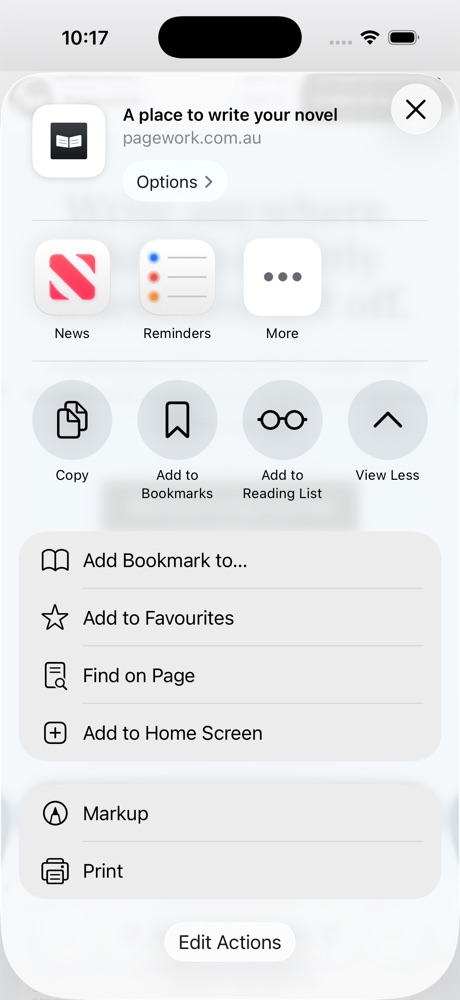
- Tap AddLeave Open as Web App on.
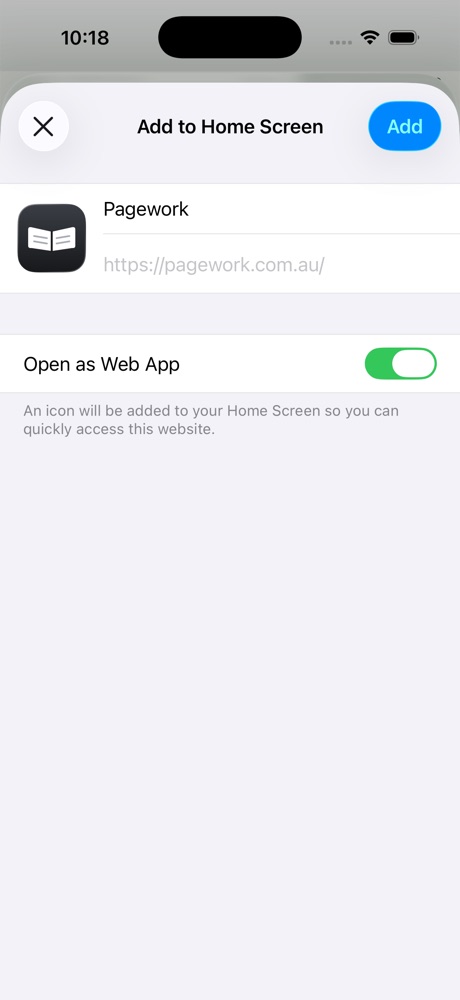
See Share in your bottom bar? Tap it, then Add to Home Screen.
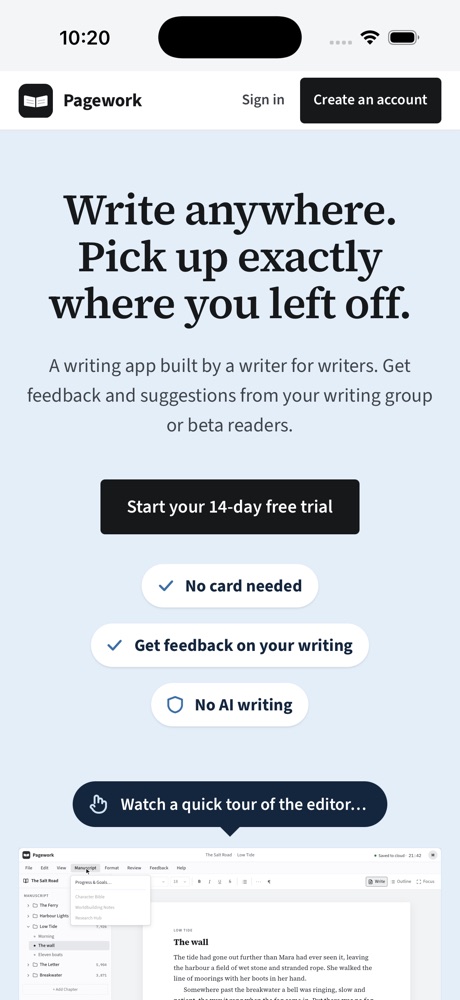
Open it
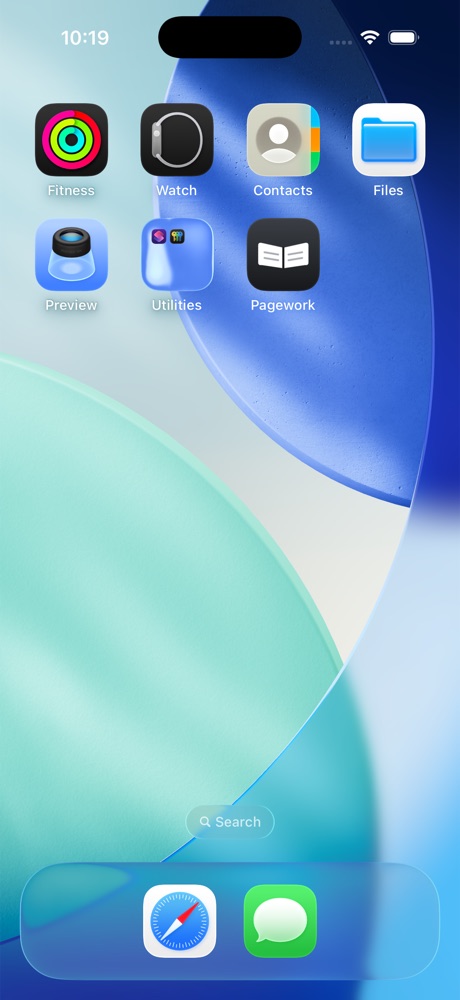
Tap the Pagework icon
Sign in once, inside the app. If we email you a code, type it into the app.
iPad · Safari
iPad
Share is at the top right.
Watch
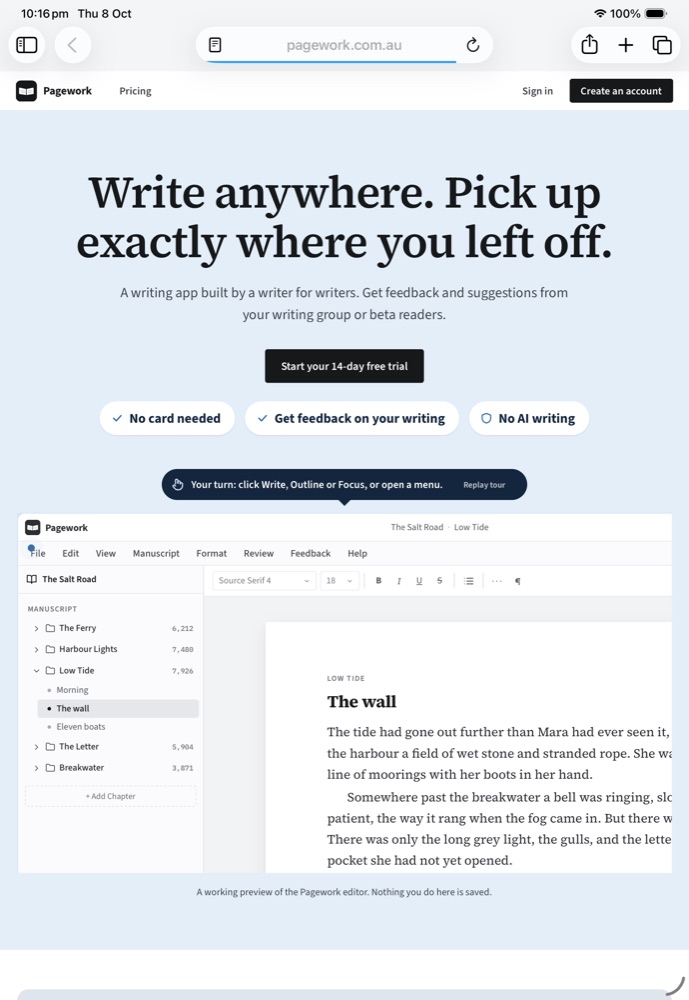
Step 1 of 6Tap Share
Steps
- Open pagework.com.au in Safari
- Tap ShareTop right.
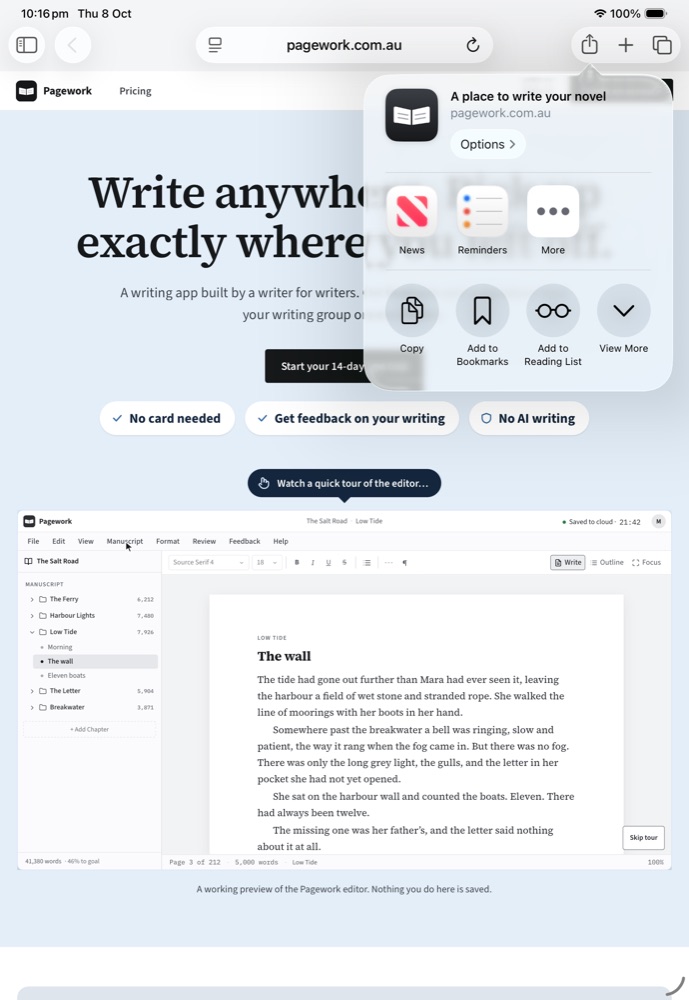
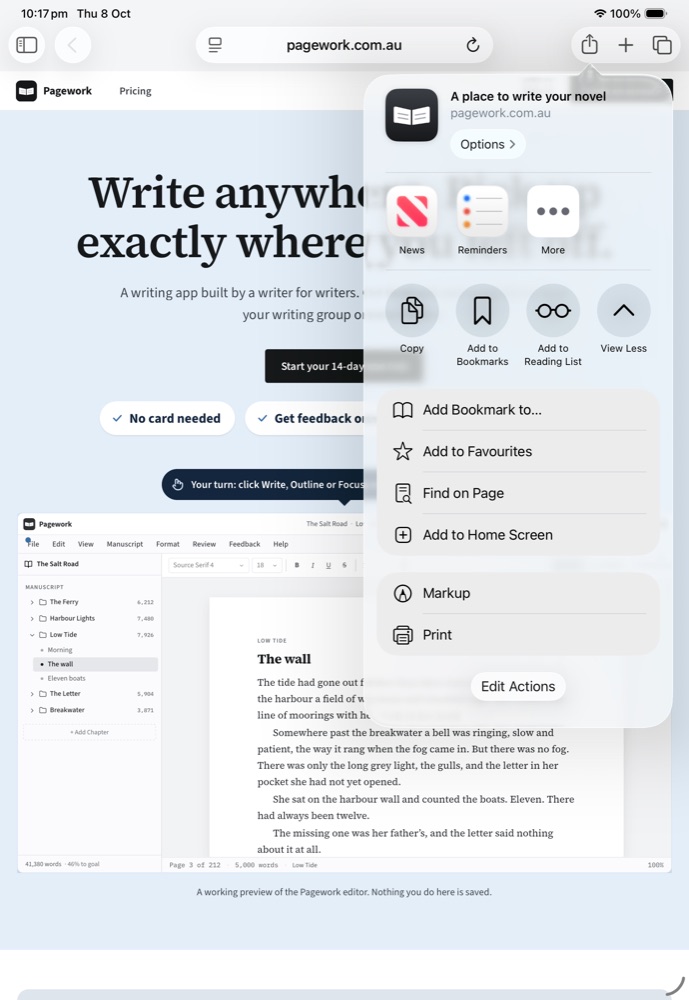
- Tap View More, then Add to Home Screen
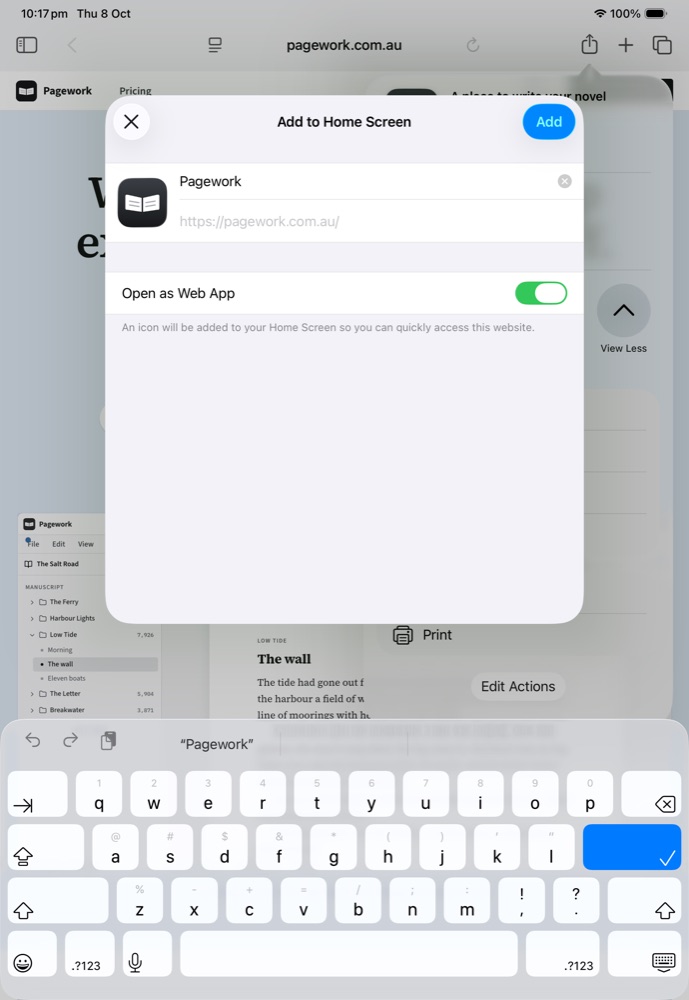
- Tap AddLeave Open as Web App on.
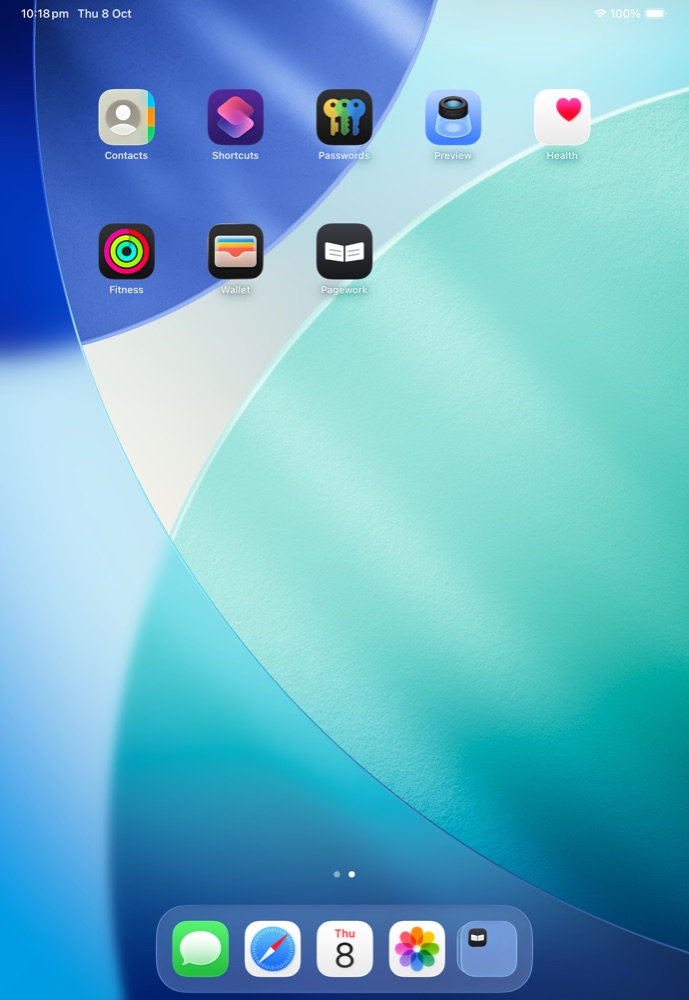
Open it
Tap the Pagework icon
Sign in once, inside the app. If we email you a code, type it into the app.
Mac · Safari
Mac
Needs macOS Sonoma or later.
Watch

Step 1 of 4Choose File › Add to Dock…
The menu, the Add to Dock window and the Dock are drawings.
Steps
- Open pagework.com.au in Safari

- Choose File › Add to Dock…
- Click Add
No Add to Dock? Update to macOS Sonoma or later.
Open it
Click Pagework in your Dock
Sign in once, inside the app. If we email you a code, type it into the app.
Your writing, kept separate
Safari can clear the copy of your writing kept in a browser tab. The app keeps its own copy.
Questions
- I can't find Add to Home Screen
- In the share sheet, tap View More. On a Mac, choose File › Add to Dock…
- Why do I sign in again?
- The app has its own sign-in, separate from Safari. You only do it once.
- Can I use Chrome or Firefox?
- Use Safari.